

























Help center
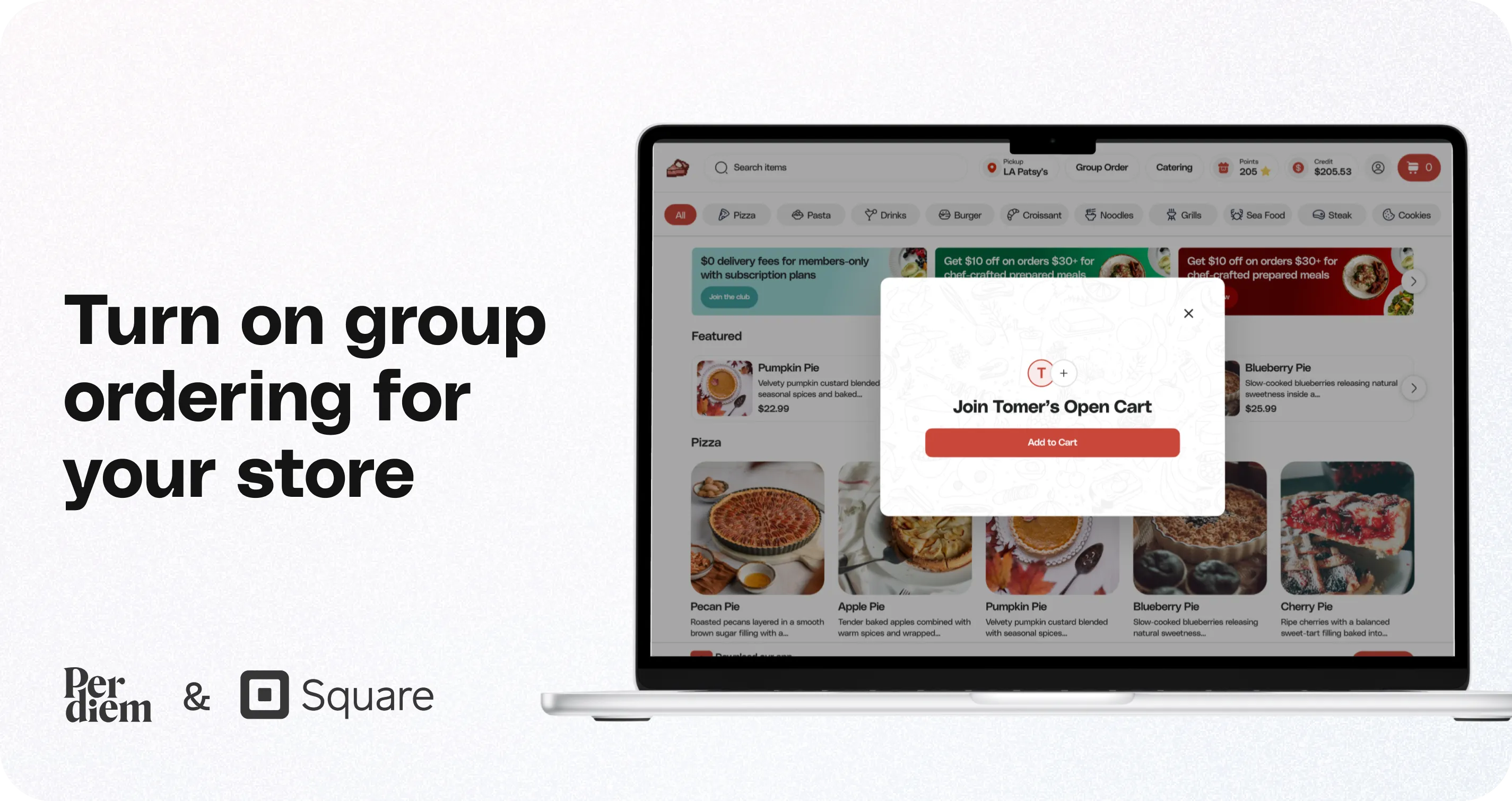
Turn on group ordering for your store
Group Ordering is included with Web Ordering and is one of the most powerful ways to boost large orders, right after your mobile app. Follow these steps to get started.
Instructions
- Log in to your Per Diem Merchant Dashboard and click Settings from the left-side menu. Then select the General tab.
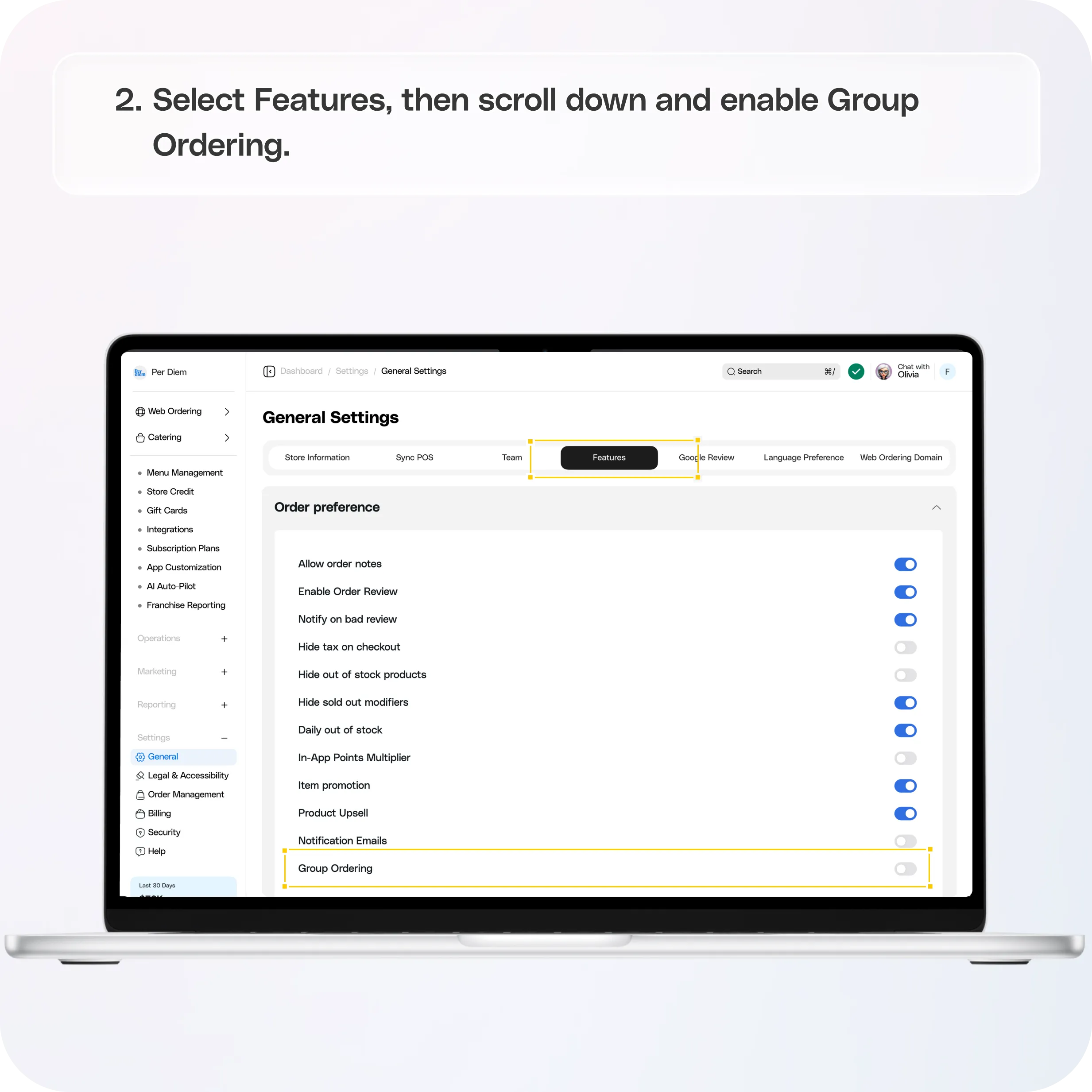
- Select Features, then scroll down and enable Group Ordering.
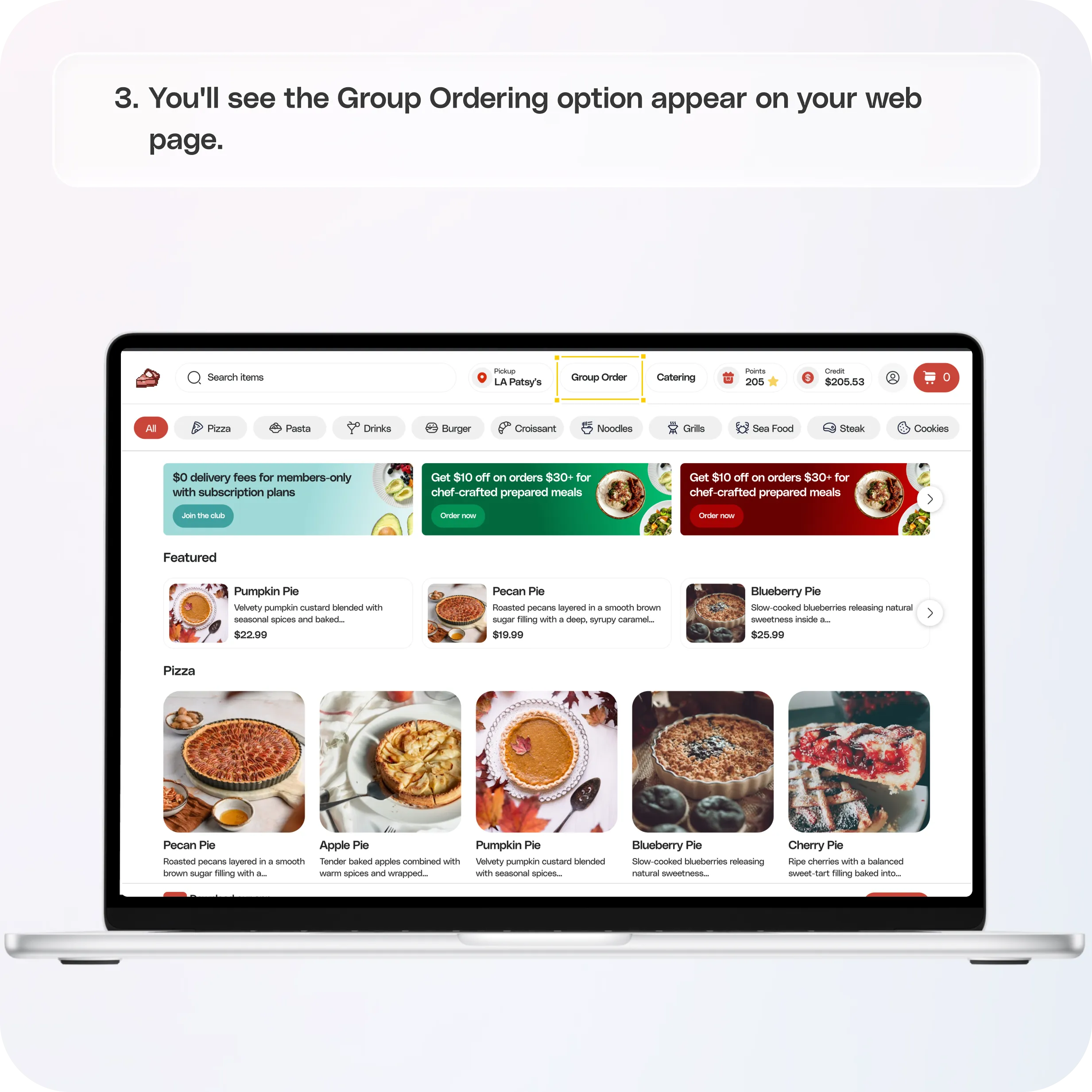
- You'll see the Group Ordering option appear on your web page.
Still require support?
Contact support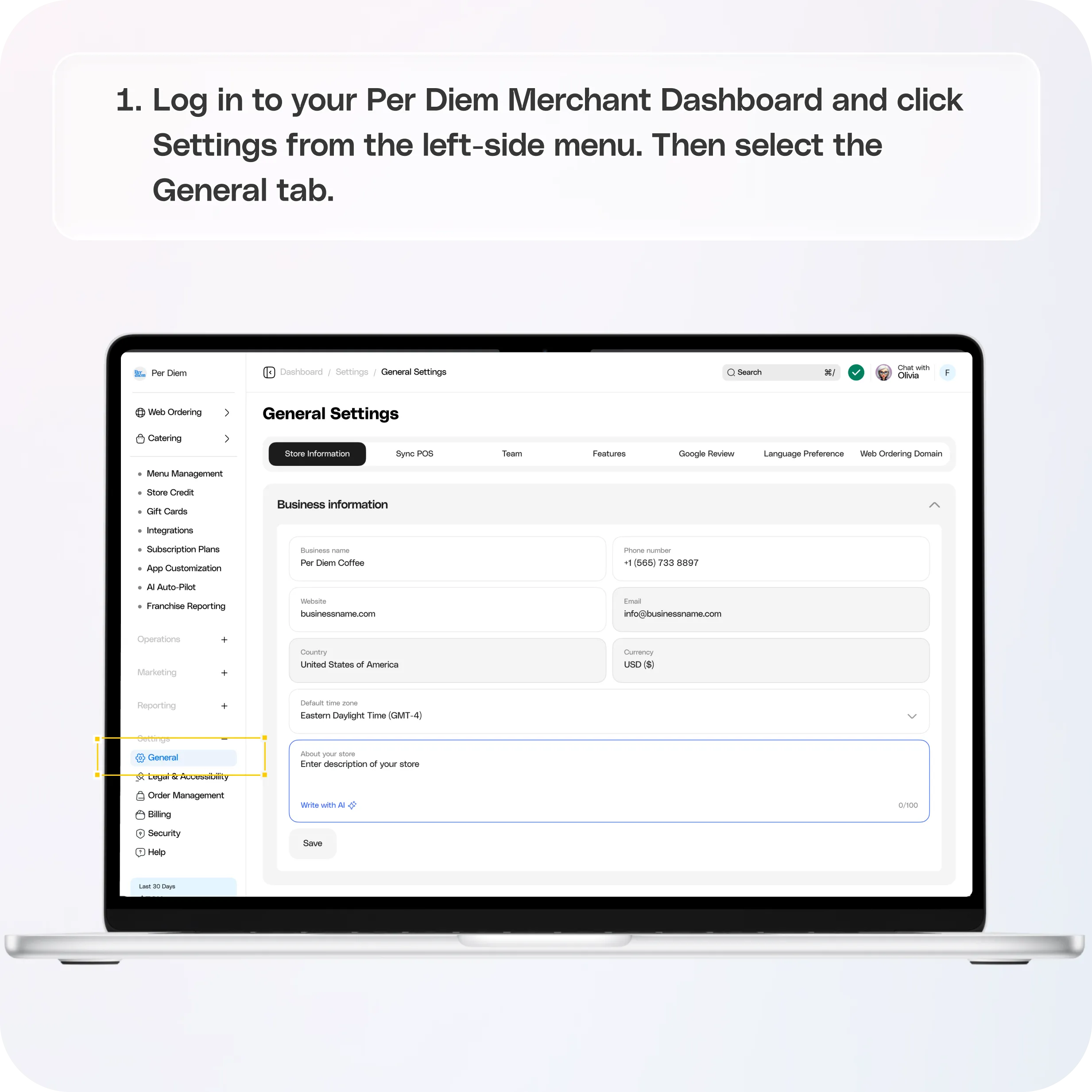
Step 1:
Log in to your Per Diem Merchant Dashboard and click Settings from the left-side menu. Then select the General tab.
Step 2:
Select Features, then scroll down and enable Group Ordering.
Still have questions?Contact us
Ask anything or just say hi